How to Set Up WhatsApp Business for Your Pakistani Business in 2026
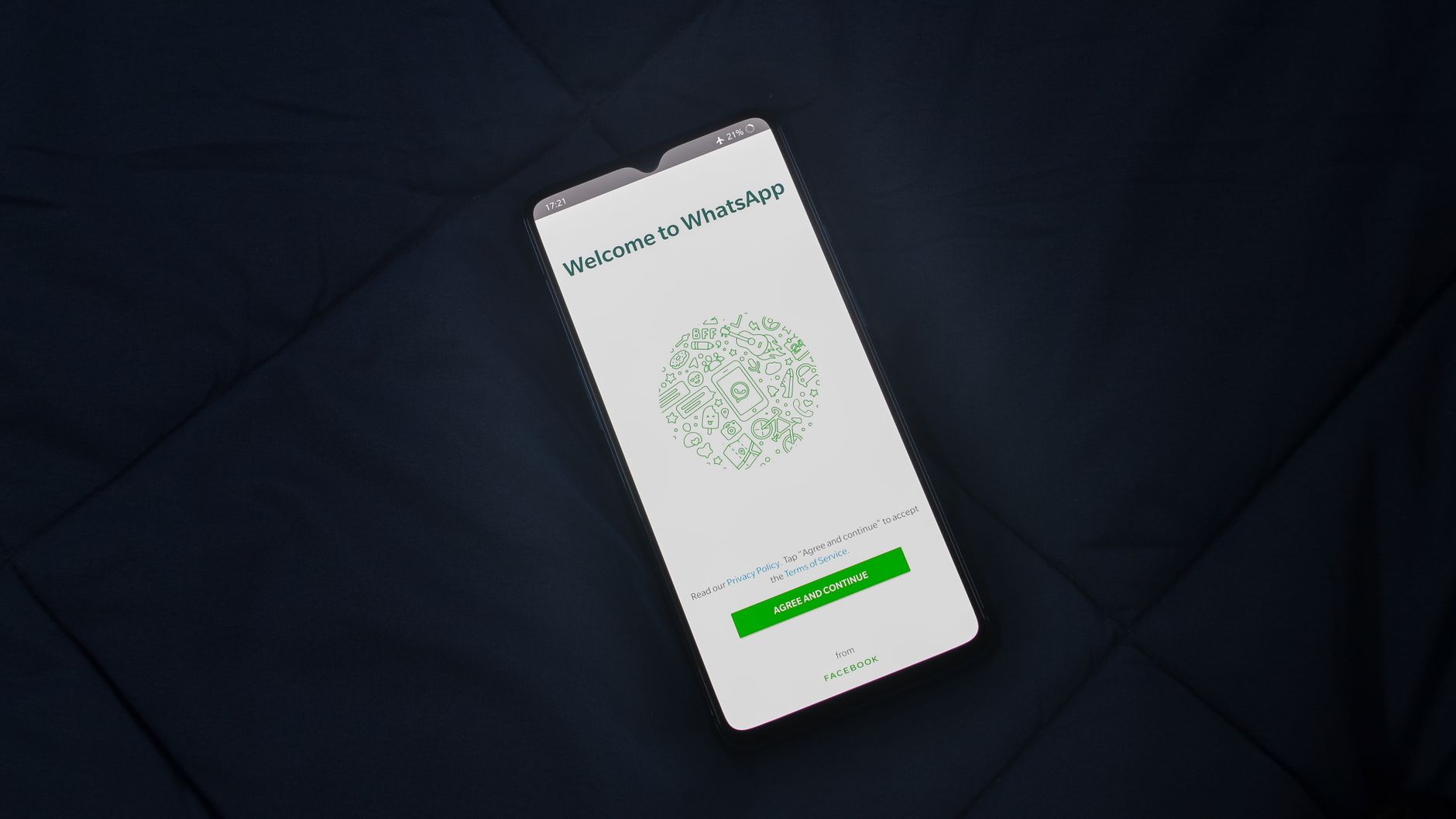
Setting up WhatsApp Business for your Pakistani business takes less than 10 minutes and costs nothing. If you own a shop, restaurant, clinic, or any service business in Pakistan, WhatsApp Business makes you look more professional and helps you manage customer messages faster. This guide shows you every step to get it working today.
WhatsApp Business in Pakistan: Why Every Business Owner Needs It
Pakistan has over 60 million active WhatsApp users in 2026. Most Pakistani customers prefer sending a WhatsApp message over making a phone call, filling a contact form, or writing an email. They message a business directly — often before deciding to buy.
The problem is that most Pakistani businesses still use a personal WhatsApp number. This creates three real problems:
- Customers see a personal profile, not a professional business identity
- Business and personal messages mix together in one inbox
- There are no automatic replies when you are offline or sleeping
WhatsApp Business solves all three. It is a separate free app that gives your business a proper profile — with your logo, address, opening hours, and website — all visible to customers before they even send a message.
Free features included with WhatsApp Business:
- Business profile with name, logo, description, and working hours
- Away messages — automatic replies when you are offline
- Quick replies — pre-saved messages sent with one tap
- Labels to organise conversations by status (new lead, pending, paid)
- Product catalogue — show your items with photos and prices
A clothing shop in Lahore, a clinic in Karachi, a catering business in Islamabad — WhatsApp Business works for all of them. And it costs PKR 0 to set up.
How to Set Up WhatsApp Business in Pakistan: 6 Steps
Step 1: Download WhatsApp Business
Open the Google Play Store (Android) or Apple App Store (iOS). Search for "WhatsApp Business" — it has a green icon with the letter B. Download the official app by WhatsApp LLC. It is free. Do not confuse it with the regular WhatsApp app, which shows a phone handset icon instead.
Step 2: Register Your Business Number
Open WhatsApp Business and enter your Pakistani mobile number. Any network works — Jazz, Telenor, Zong, Ufone, or SCO. Use the number you want customers to contact you on. If you want to keep your personal number separate, use a second SIM card for the business. Verify your number with the OTP sent to your phone.
Step 3: Complete Your Business Profile
Go to Settings → Business Tools → Business Profile. Fill in every field:
- Business name — your exact trading name
- Category — choose the closest match (Retail, Restaurant, Health, Education, etc.)
- Description — 2 to 3 sentences describing what you offer
- Address — your full address including city (Lahore, Karachi, Islamabad, Peshawar, etc.)
- Email — your business email address
- Website — your website URL if you have one
- Opening hours — your actual working hours including weekly off days
Step 4: Set Up Your Away Message
Go to Business Tools → Away Message. Turn it on. Write a message like: "Thank you for contacting [Business Name]. Our hours are 9am to 9pm, Monday to Saturday. We will reply as soon as we are open." Schedule it to send outside your working hours. This stops customers from waiting in silence when you are closed or asleep.
Step 5: Create Quick Replies
Go to Business Tools → Quick Replies. These are pre-saved messages you send by typing a short keyword. Common ones for Pakistani businesses:
- Type /price → sends your standard price list or starting rate
- Type /location → sends your address or Google Maps link
- Type /hours → sends your opening hours
- Type /catalogue → sends a link to your product listing
If you receive 20 or more messages per day, quick replies save 15 to 30 minutes every single day. Over a month, that is over 10 hours back in your schedule.
Step 6: Add Your Product or Service Catalogue
Go to Business Tools → Catalogue. Add your products or services with photos, names, prices, and descriptions. Pakistani customers often ask "kya hai aapke paas?" before buying. A catalogue answers this before they even send a message. Clothing shops, restaurants, home services businesses, and clinics all see strong results from keeping a current catalogue on their profile.
The WhatsApp Pakistan Fact Every Business Owner Should Know
According to DataReportal's Pakistan Digital 2025 report, 79% of Pakistani internet users use WhatsApp every single month. That makes WhatsApp the most-used app in Pakistan — ahead of Facebook, YouTube, and Instagram. No other communication channel reaches this percentage of your potential customers in one place.
For Pakistani businesses, the implication is direct: your customers are already on WhatsApp and they expect a reply there. Research by HubSpot (2024) shows businesses that respond within 5 minutes convert 9 times more leads than those that respond in 30 minutes. WhatsApp Business's away messages and quick replies are the simplest tools available to stay fast — even when you are not sitting at your phone.
Apne Website Helps Pakistani Businesses Go Beyond Basic WhatsApp
Apne Website is a digital services agency based in Lahore helping Pakistani businesses in retail, healthcare, education, and professional services get more customers online. For businesses receiving 50 or more WhatsApp messages per day, manual replies become a full-time job. That is where our WhatsApp automation service takes over. We build custom WhatsApp bots that answer customer queries around the clock, send your product catalogue automatically, collect customer details, and pass hot leads directly to your sales team. We also build AI chatbots that work across WhatsApp, your website, and Facebook Messenger simultaneously. Our clients typically save 3 to 5 hours per day on repetitive WhatsApp replies after automating their most-asked questions. If your business runs on WhatsApp and you want to scale without hiring more staff, this is the logical next step after the basic setup. Book a free consultation to see if WhatsApp automation fits your business.
Frequently Asked Questions
Is WhatsApp Business free for Pakistani businesses?
Yes. The WhatsApp Business app is completely free to download and use. You get a business profile, product catalogue, quick replies, away messages, and labels at zero cost. The paid WhatsApp Business API is a separate product — it is for larger businesses sending messages to thousands of customers at once and requires a third-party service provider to set up.
Can I use the same number for WhatsApp and WhatsApp Business?
No. You cannot run regular WhatsApp and WhatsApp Business on the same number at the same time. Most Pakistani business owners use a second SIM card for their business WhatsApp. Jazz and Telenor both offer prepaid SIMs for PKR 200 to PKR 500 that work well as a dedicated business number.
Can multiple staff members manage one WhatsApp Business inbox?
Yes. WhatsApp Business allows up to 4 linked devices on one account — the main phone plus 3 additional devices. Multiple team members can read and reply from the same inbox. For businesses needing more team access or full inbox management features, the WhatsApp Business API with a third-party platform is the solution.
What is the difference between WhatsApp Business and the WhatsApp Business API?
WhatsApp Business (the free app) is for small businesses managing customer conversations manually. The WhatsApp Business API is for businesses that want to automate replies, send bulk messages, connect WhatsApp to their website or CRM, and manage large message volumes with a full team. You need the API if your business receives hundreds of messages daily or wants automated order confirmations and appointment reminders.
How do I share my WhatsApp Business link in Pakistan?
Your WhatsApp link format is: wa.me/923001234567 — replace the number with your Pakistani number using country code 92, no plus sign, no spaces or dashes. Add this link to your Instagram bio, Facebook About section, website header, and Google Business Profile. Customers tap the link and open a chat with your business immediately — no need to save your number first.
Set Up Today — It Takes 10 Minutes
WhatsApp Business is the easiest free upgrade available to any Pakistani business owner in 2026. Download the app, complete your profile, set your away message, and you look more professional to every customer who messages you — starting today. Once you have the basics running, the next step is WhatsApp automation to handle growing message volume without adding staff. Get a free WhatsApp automation consultation at Apne Website — we will show you exactly what is possible for your business and what it costs in Pakistan.

What Is Influencer Marketing and Does It Work for Pakistani Businesses in 2026?
6 min read
Why Is My Website Slow and How Can I Fix It for My Pakistani Business?
7 min read